


Description
Modern Engine. Real Ticker Mode. No Subscription.
Create unlimited vertical thumbnail sliders with your choice of a lightweight Modern engine (built-in lightbox, seamless looping, true non-stop ticker scrolling) or the classic Legacy jQuery engine for full backward compatibility. Add it with a shortcode, a Gutenberg block, an Elementor widget, or a Divi module. Pay once, own it forever.
🆓 Using the free version? You get unlimited sliders. PRO unlocks more sliders and easing effects, divi/elementor modules and much more. Download free version on WordPress.org
The Slider Plugin Built for More Than Homepage Banners
Most vertical slider plugins give you one engine, one way to add it to a page, and no real answer for a truly continuous, non-stop scroll — you either get discrete steps with a pause, or nothing at all.
Vertical Thumbnail Slider Pro handles it properly: a modern, dependency-free engine with a real per-frame animation system (true Bounce and Elastic easing curves, not CSS approximations), genuine ticker/continuous scrolling on both engines, and native support for the block editor, Elementor, and Divi. It works just as well as a product thumbnail gallery or portfolio navigator as it does a promotional slider — your media stays in your WordPress install, and you pay once.
Everything You Need, In One Place
| Feature | Free | Pro |
|---|---|---|
| Pricing model | Free | One-time |
| Number of sliders | 1 | Unlimited |
| Modern engine (lightbox, seamless loop) | ✓ | ✓ |
| Ticker / continuous scroll mode | ✗ | ✓ |
| 16 easing effects (real per-frame animation) | ✗ | ✓ |
| Legacy jQuery engine | ✓ | ✓ |
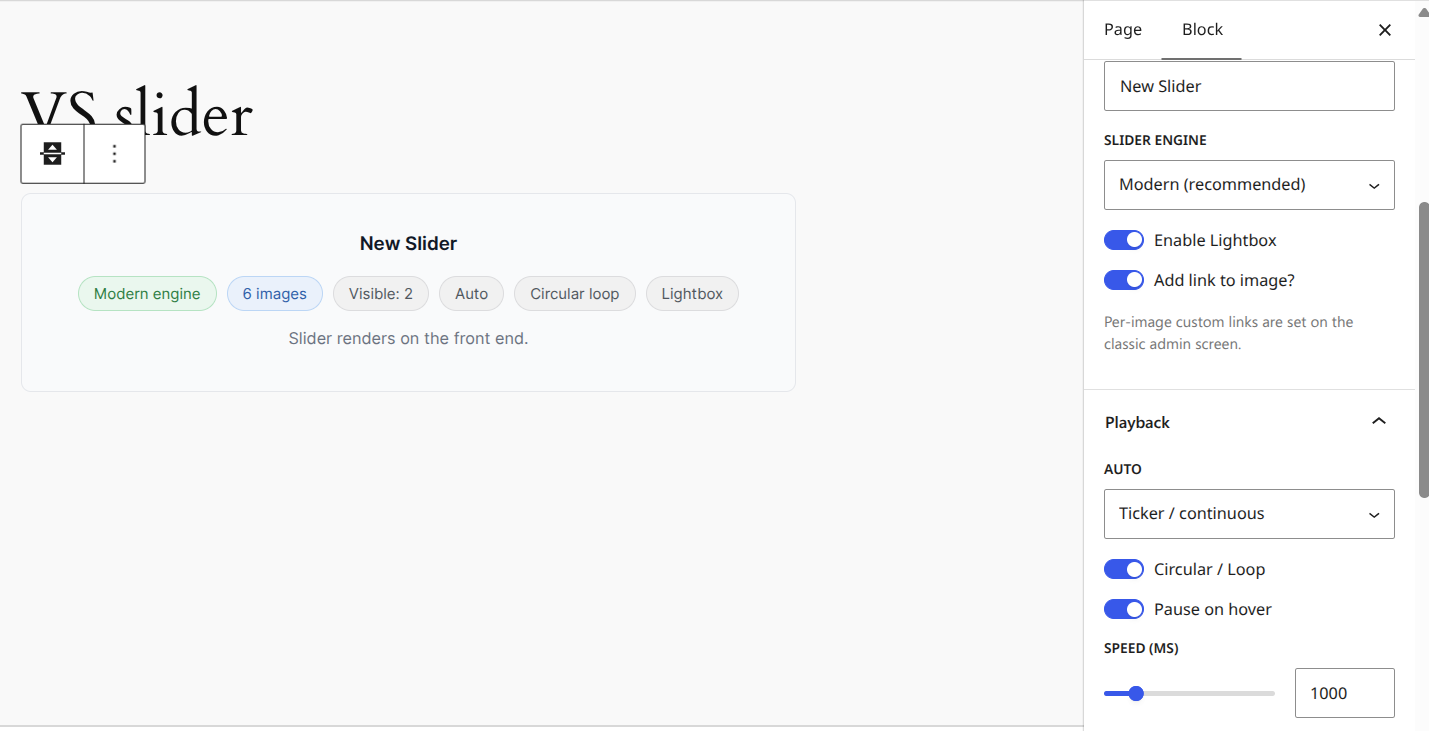
| Gutenberg block | ✓ (settings-summary card) | ✓ (full settings + image management) |
| Elementor widget | ✗ | ✓ |
| Divi module | ✗ | ✓ |
| Mass image upload | ✗ | ✓ |
| Featured-image integration (post/page editor) | ✗ | ✓ |
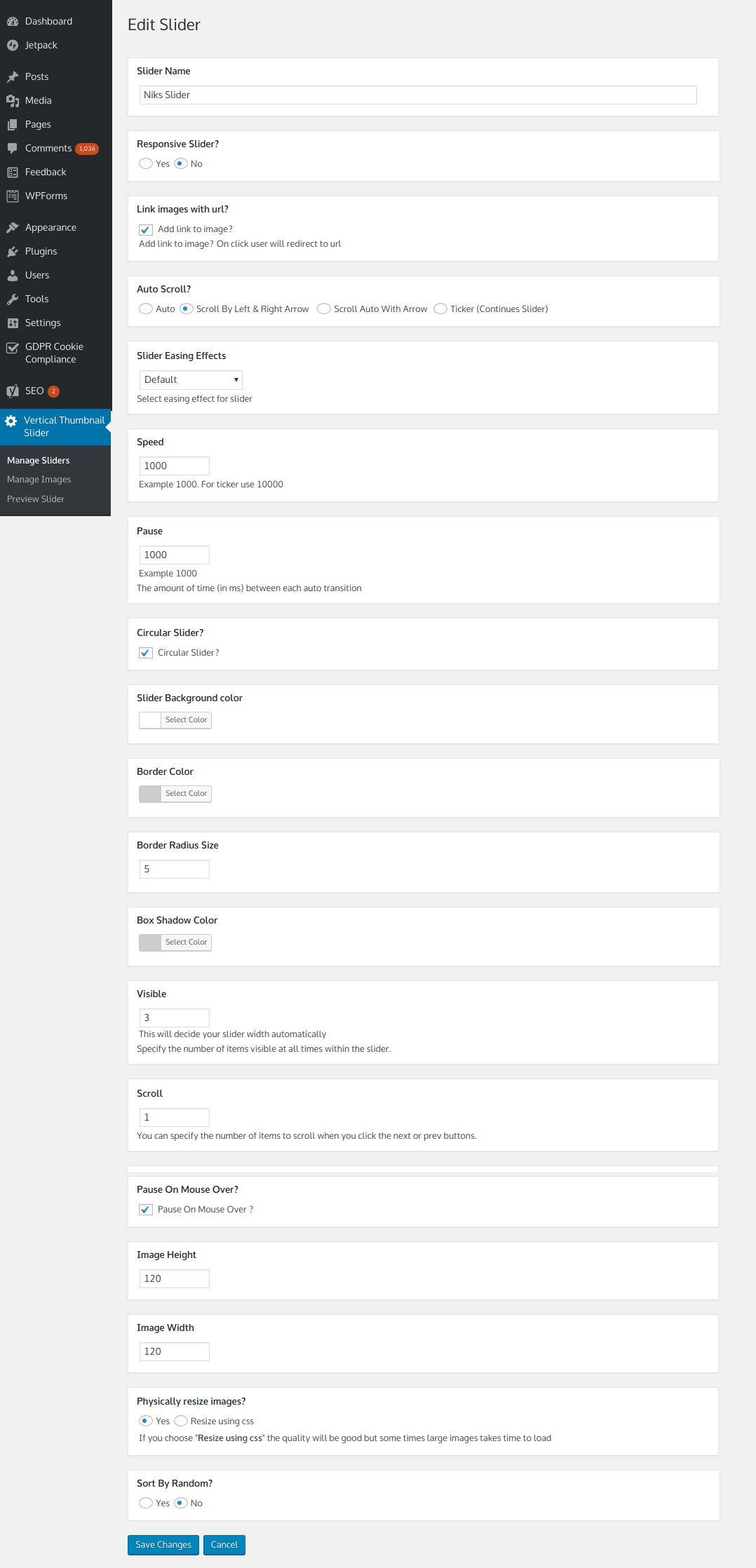
| Per-slider appearance (border, shadow, radius, caption) | ✗ | ✓ |
| Random or ordered image display | ✗ | ✓ |
| No advertisements | ✓ | ✓ |
Please verify each Free-column item against your current free build before publishing.
🛡️ 30-Day Money-Back Guarantee Not satisfied for any reason? Contact us within 30 days for a full refund — no questions asked.
🎛️ Two Engines, Your Choice — Per Slider
- Modern — lightweight, dependency-free, built-in lightbox, seamless circular looping in both directions NEW
- Legacy — the original jQuery engine, kept for full backward compatibility
- Mix and match across your site — set the engine per slider, not site-wide
- Existing sliders keep working exactly as before after an update — nothing changes unless you switch one to Modern yourself
🎢 Real Ticker Mode, Not a Fake One
- True non-stop, continuous scroll — not steps with a pause between them NEW
- Works on both the Modern and Legacy engines NEW
- Seamlessly loops regardless of how many images you have
- Respects Pause on Hover
🎨 16 Easing Effects, Really Applied
- Quad, Expo, Back, Bounce, and Elastic curves — In / Out / In-Out variants NEW
- Driven by real per-frame animation on the Modern engine, not a CSS approximation — true Bounce and Elastic motion, not a flattened substitute NEW
- Available on both engines
🧩 Add It However You Build Pages
- Classic shortcode — drop it into any page or post
- Native Gutenberg block — pick a slider, edit its full settings, and manage images from the Media Library, all in the sidebar
- Elementor widget — drag in “Vertical Thumbnail Slider”, select a slider, done NEW
- Divi module — matching module in the Divi Builder’s module list NEW
🖼️ Built for Real Image Libraries
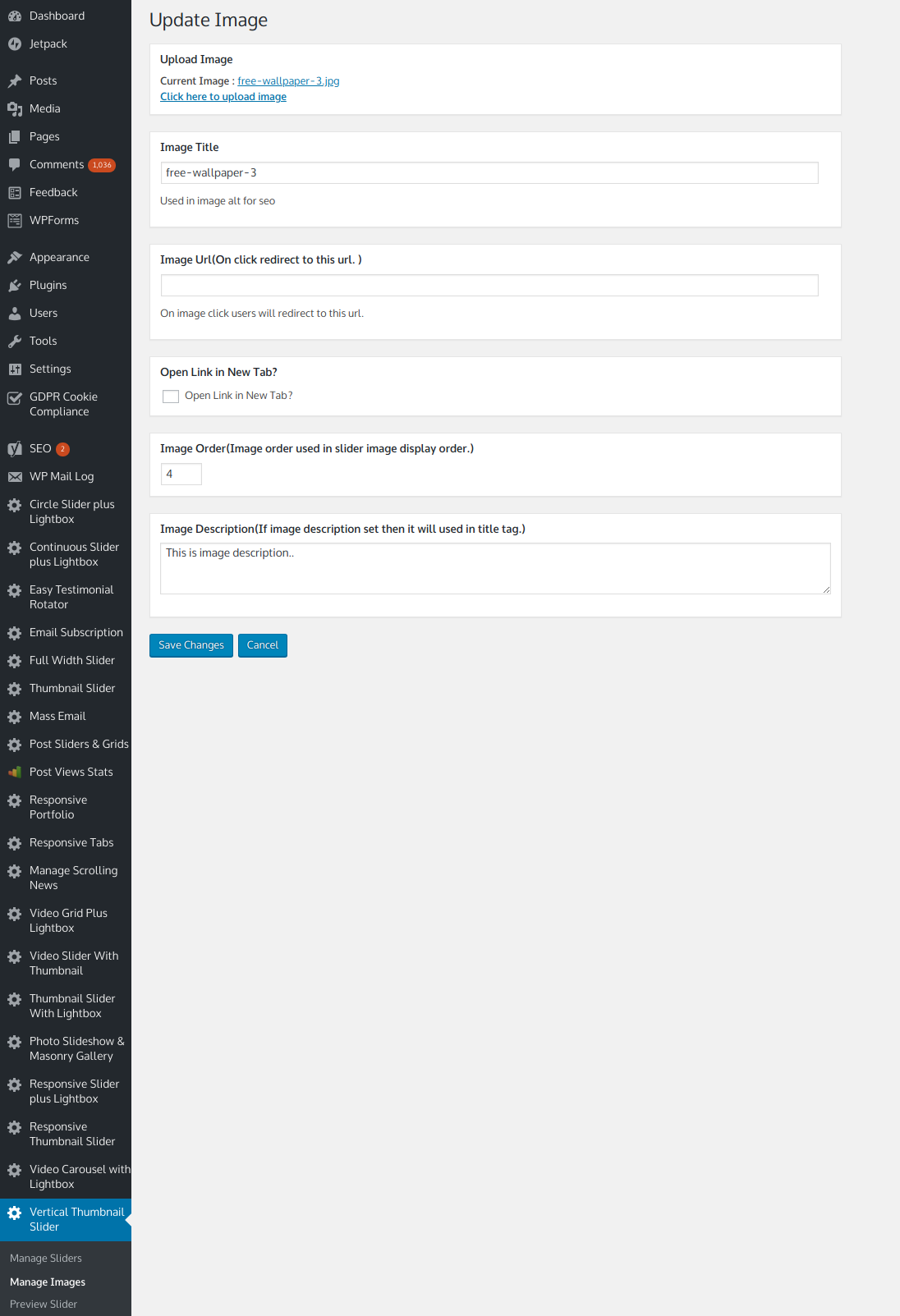
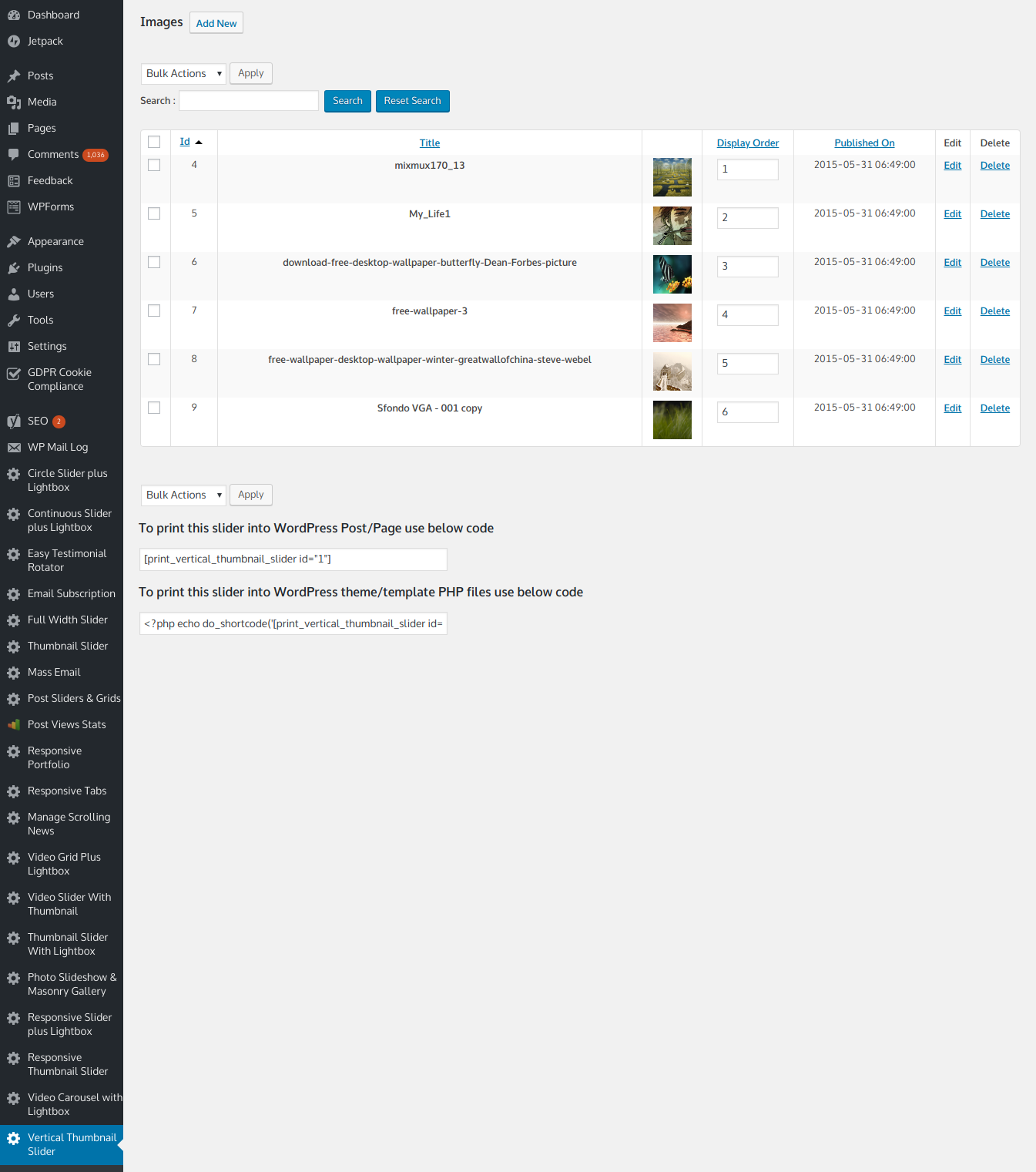
- Mass image upload and drag-to-reorder
- WordPress Media Uploader integration
- Add featured images directly from the post/page editor
- Per-image custom links (same tab or new tab) that always take priority over the lightbox
- Image captions overlaid on each slide
🛠️ Full Appearance Control
- Border color, border radius, and box shadow — per slider
- Custom background color behind each image
- Crop / no-crop image handling
- Random or ordered image display
- WordPress multisite compatible · No advertisements
Who Is This For?
- 🛍️ WooCommerce & product sites — a vertical thumbnail navigator alongside product images, not just a homepage banner
- 📷 Photographers & portfolios — a clean, captioned image slider with a real lightbox
- 📰 Content & news sites — ticker mode for a genuinely continuous scroll of headlines or images
- 🏢 Agencies & freelancers — Gutenberg, Elementor, and Divi support for any client build; 2, 5, or 10 site licenses available
- 📝 Bloggers — one shortcode or block, no page-builder lock-in
Up and Running in Minutes
- Install & activate — upload the zip, click Activate, tables created automatically
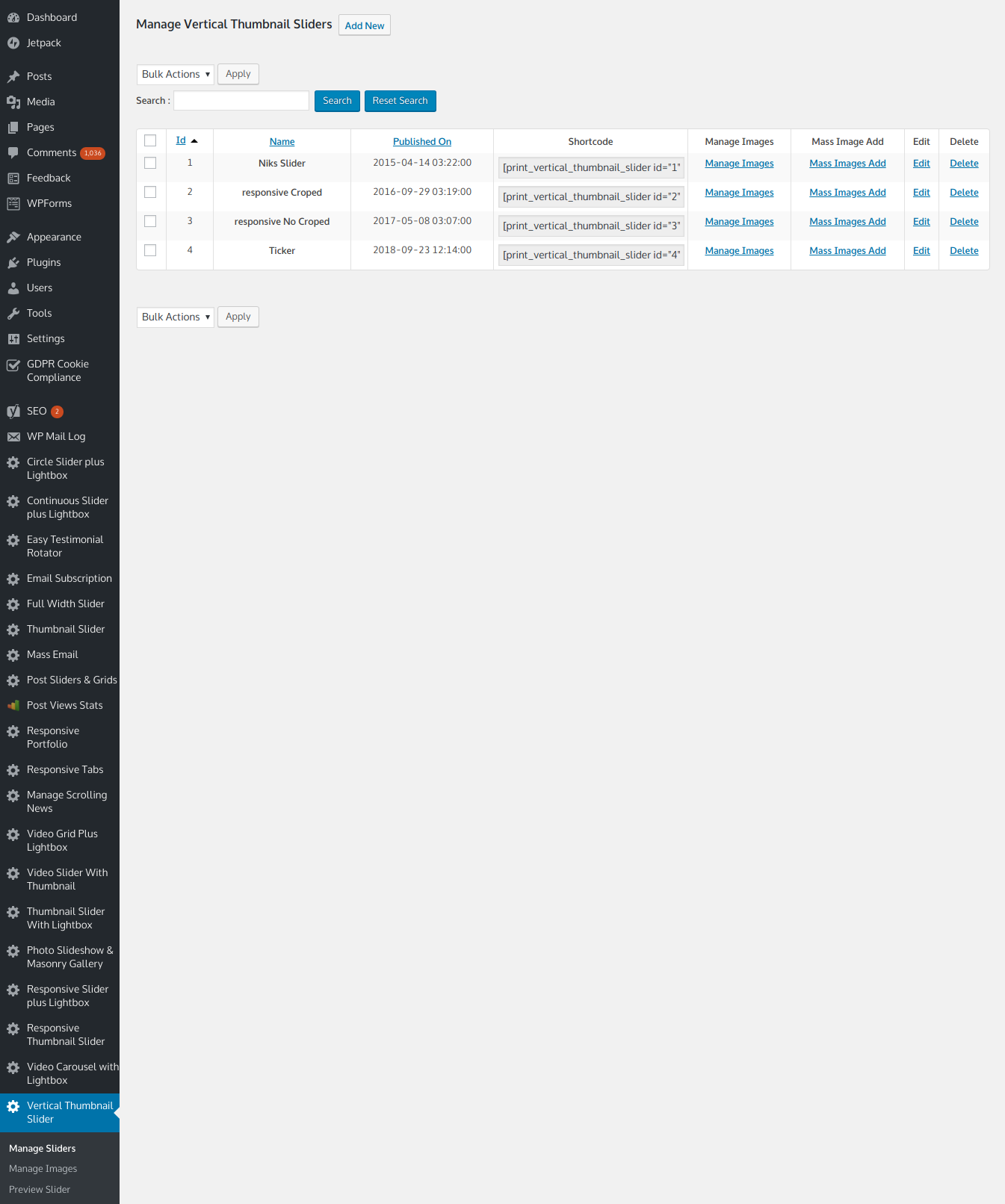
- Create a slider — Vertical Thumbnail Slider → add your images, pick Modern or Legacy
- Choose your motion — Auto, manual arrows, both, or true Ticker mode
- Add it to a page — paste the shortcode, drop in the Gutenberg block, or use the Elementor widget / Divi module
One Plugin for Every Vertical Slider You’ll Ever Build.
Unlimited sliders · Real ticker mode · 30-day money-back guarantee · One-time payment






boyco –
Awesome Vertical Slider
I had about blown my mind out the door searching for a vertical slider that would work the way my client and I wanted it to work.
In 10 minutes I had this slider on her home page, well known artist and friend, and we’re happy.
Thank you developers for developing the best and most simple to use vertical slider on the net. I’ll definitely be upgrading to the premium.
You can’t go wrong with this slider.
nacho3003 –
Easy to use and to modifynacho3003
Just what I needed. Thanks for the help on the IE-Firefox issue.
blommerse –
Great slider
Only 1 question / request: is it possible to change the sequence off the images in the slider? That would be great in the next release.
Victor Prado (verified owner) –
Great product. I was wondering if there was something like this at market. just bought it for two sites. this plugin Will be to useful. i thank you and hope keep making bussiness with you son!!!
shohagsemail –
This is my best vertical thumbnail slider plugin.In pro version there are unlimi
The best responsive WordPress slider plugin. Made lite and free.
gw-employee –
Great plugin
Great plugin, the free version works perfectly for the site Im developing. Would definitely recommend, along with the horizontal version of this slider plugin ().