






Description
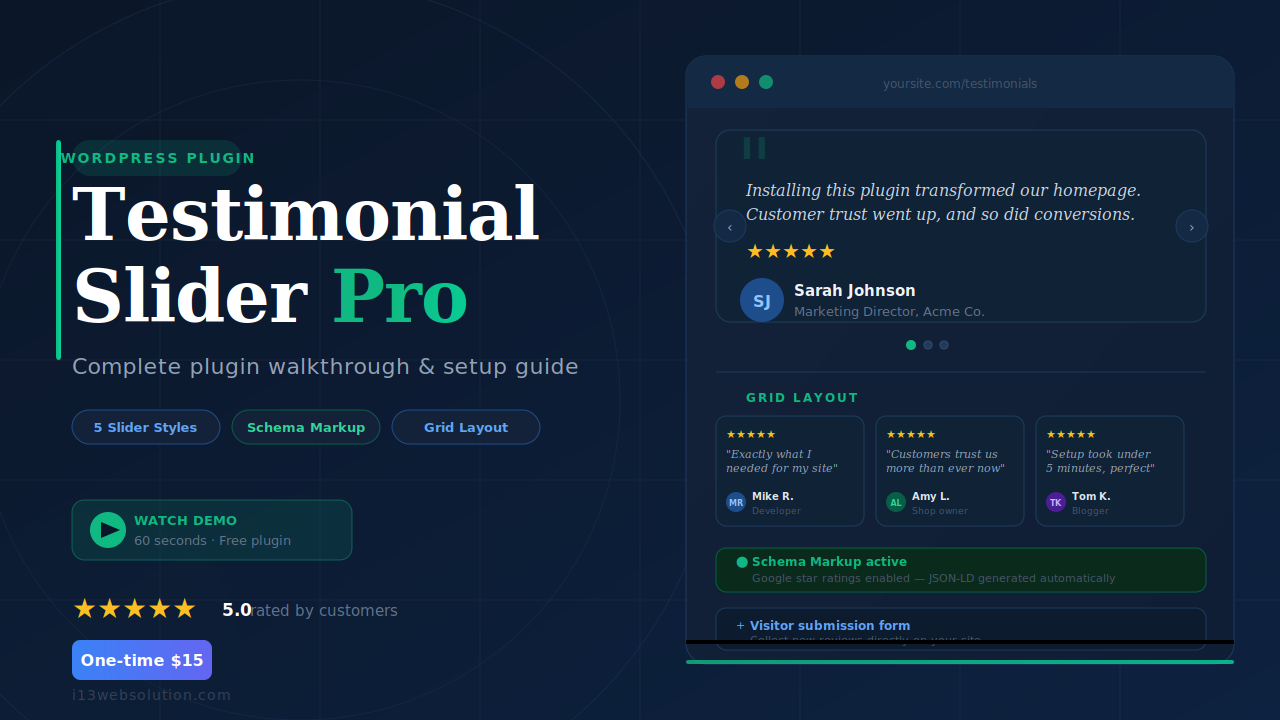
Your visitors don’t trust you — they trust your customers. Easy Testimonial Slider Pro is the complete WordPress testimonial plugin that lets you collect, moderate, and display client reviews as a polished responsive testimonial slider or a multi-column grid — in minutes, not hours.
Unlike free alternatives that lock you to a single slider style, this WordPress reviews plugin gives you 5 display styles, a 1–4 column grid layout, fade and slide transitions, and full color and font customisation — so every testimonial block matches your brand perfectly.
Go beyond display: the built-in frontend submission form lets real visitors submit testimonials directly on your site. You control what gets published with bulk approve/reject, auto-approve rules, and admin email notifications. No third-party form plugin needed.
Want Google star ratings to appear beside your pages in search results? The plugin automatically outputs Google Schema Markup (JSON-LD) wherever your slider is embedded — turning your best reviews into an SEO asset that drives more clicks from Google.
Need to migrate existing testimonials or manage them in bulk? Import and export your entire testimonial library as a CSV spreadsheet in one click. Everything works natively with the Gutenberg block editor, Elementor, Divi, and Beaver Builder — no shortcode hunting required.
One-time payment. No annual renewal. Works on unlimited sliders.
Pro Version Download Documentation.
Display testimonials as a responsive slider or grid
Choose from 5 unique slider styles or switch to a 1–4 column responsive grid — whatever fits your page layout. Transitions include fade and slide, and you can randomise testimonial order to keep pages feeling fresh.
- 5 slider styles (Style 1–5)
- Responsive grid — 1, 2, 3 or 4 columns with AJAX pagination
- Fade or slide transition · Random testimonial order
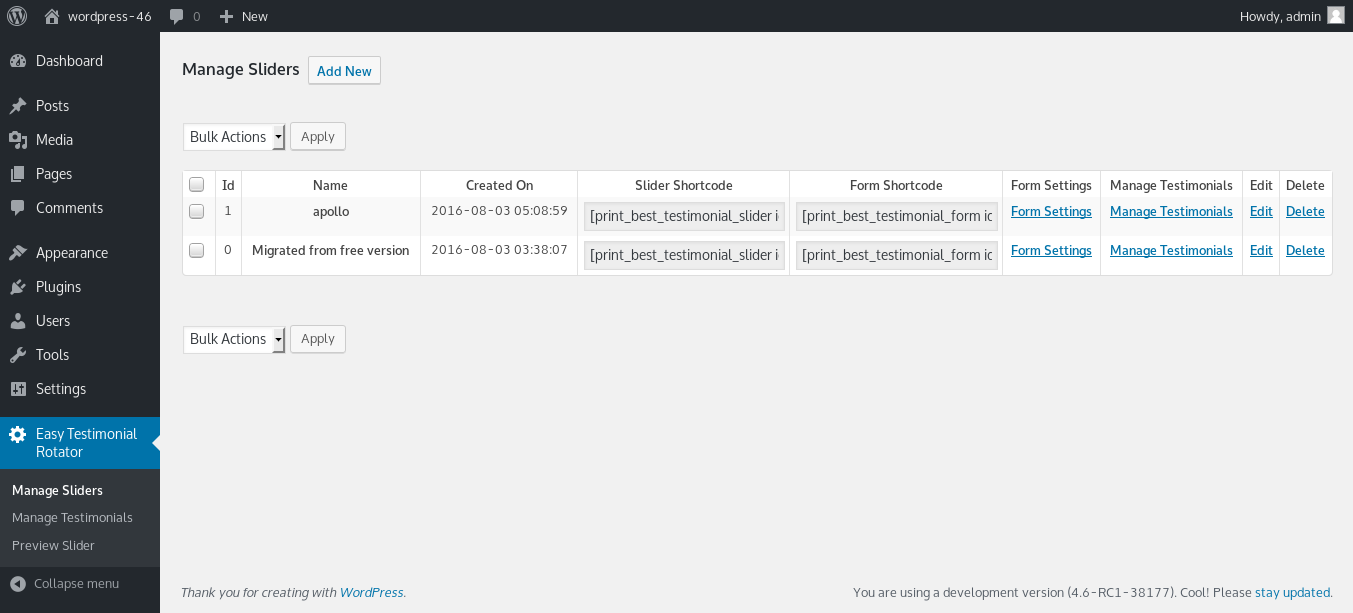
- Unlimited sliders — display different sets on different pages
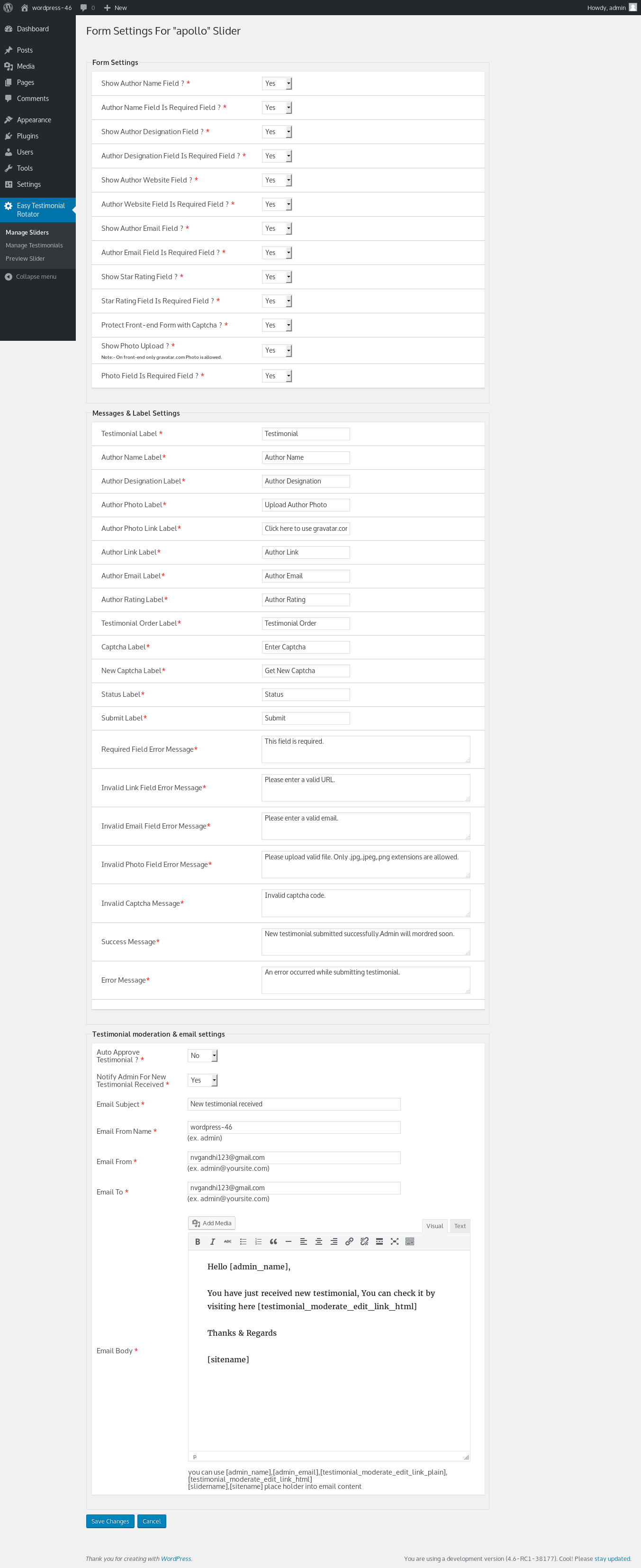
Collect reviews with a frontend submission form
Let visitors submit their own testimonials directly on your site — no login or third-party tool required. You stay in full control of what gets published.
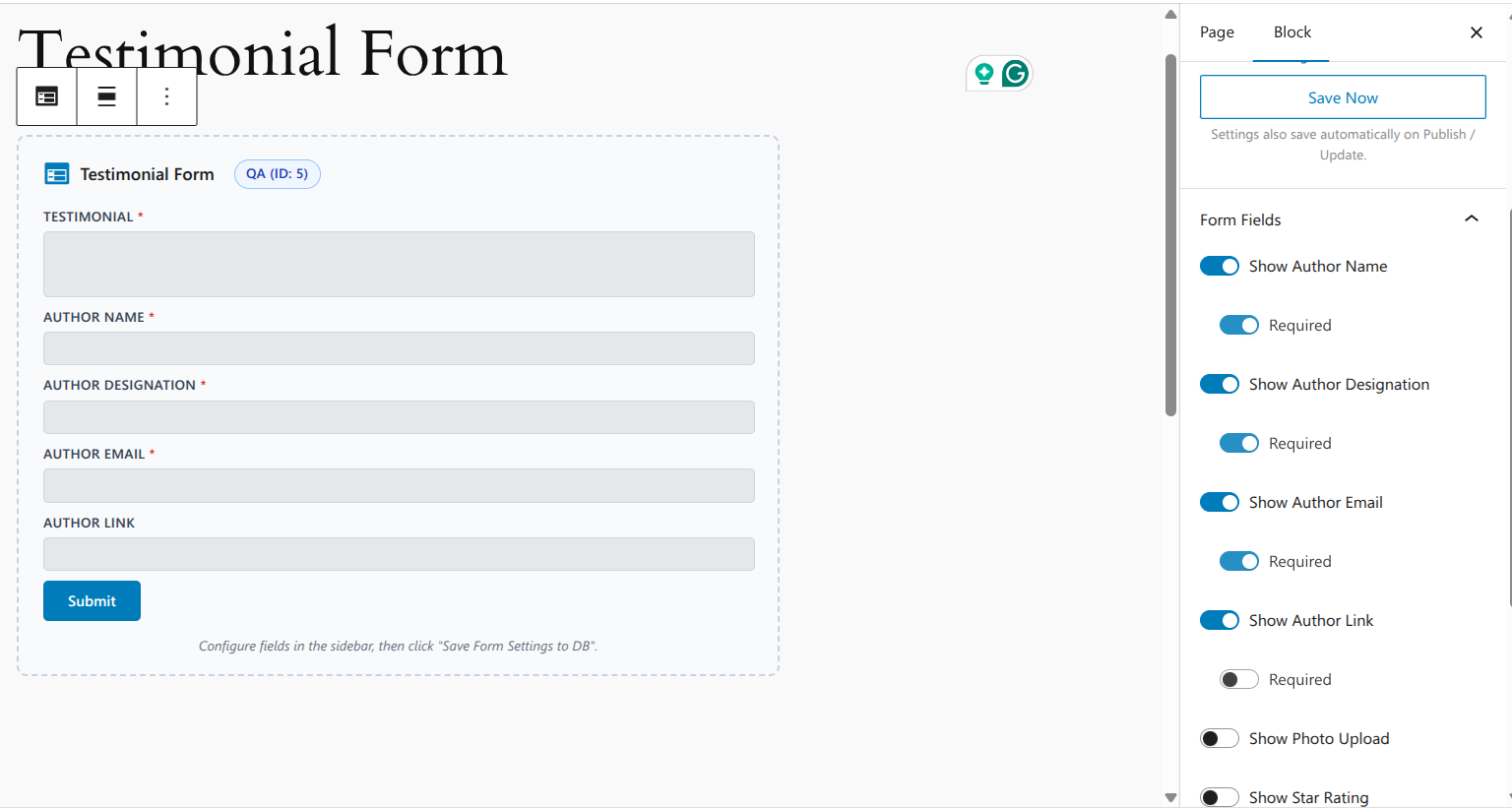
- Customisable form fields and validation labels
- CAPTCHA spam protection (Google reCAPTCHA)
- Admin email notification on new submission
- Auto-approve or hold for manual review · Bulk approve / reject
- One form per slider — match each form to its testimonial set
Boost SEO with Google star ratings in search results
The plugin automatically outputs Google Schema Markup (JSON-LD) on every page where your slider is embedded. Google can pick this up and show star ratings alongside your page title in search results — increasing click-through rate without any manual coding.
- 5-star rating field on the submission form
- AggregateRating schema generated automatically
- Custom star colour and size
Full customisation — match any WordPress theme
- Custom arrow, quote mark and font colours
- Custom font sizes for testimonial text, author name and role
- Show or hide decorative quote marks
- Author link to external website
- Set card background colour for the grid view
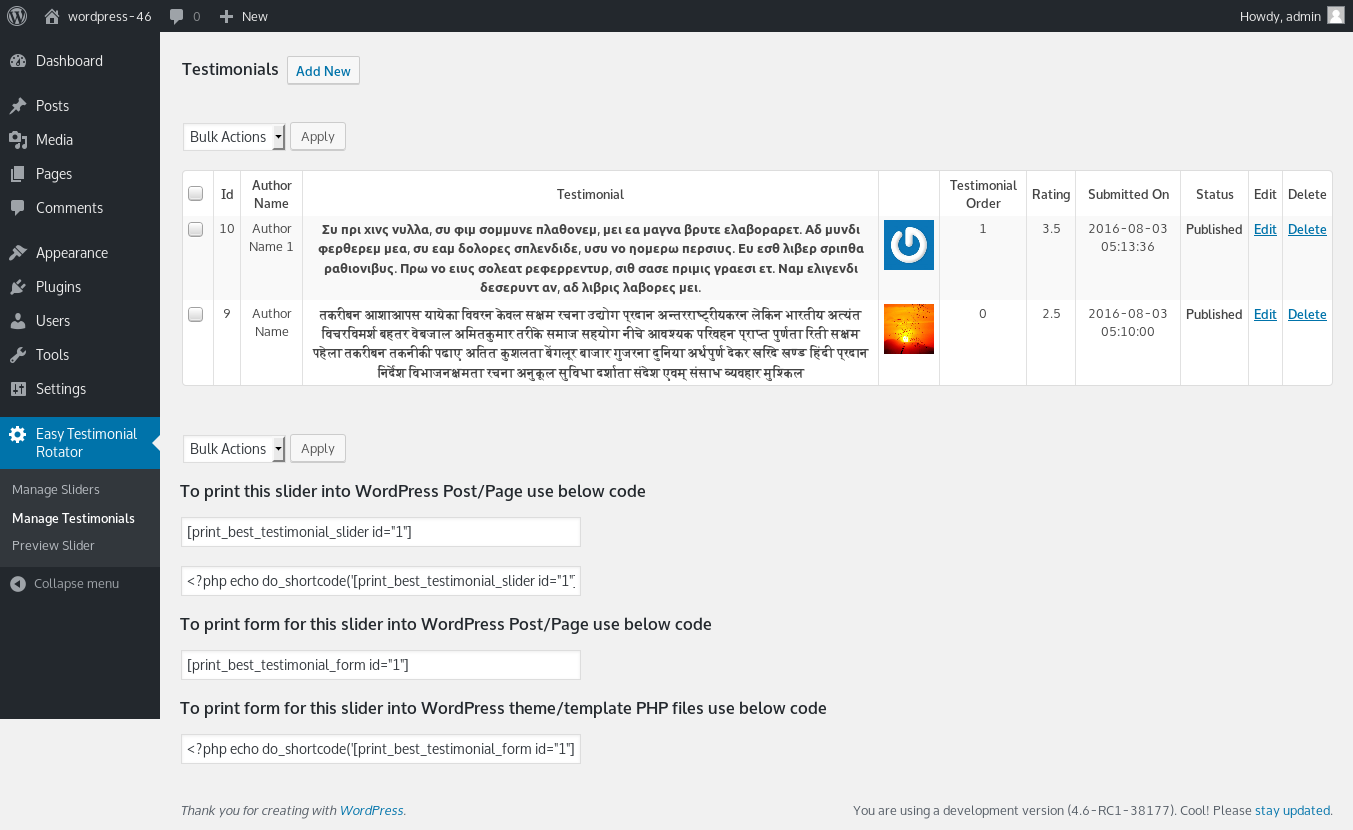
Manage testimonials at scale — CSV import and export
- Export all testimonials as a spreadsheet in one click
- Bulk import existing testimonials from a CSV file
- Preview any slider in the WordPress admin before publishing
- Set testimonials per page and enable pagination
Works with Gutenberg, Elementor, Divi and Beaver Builder
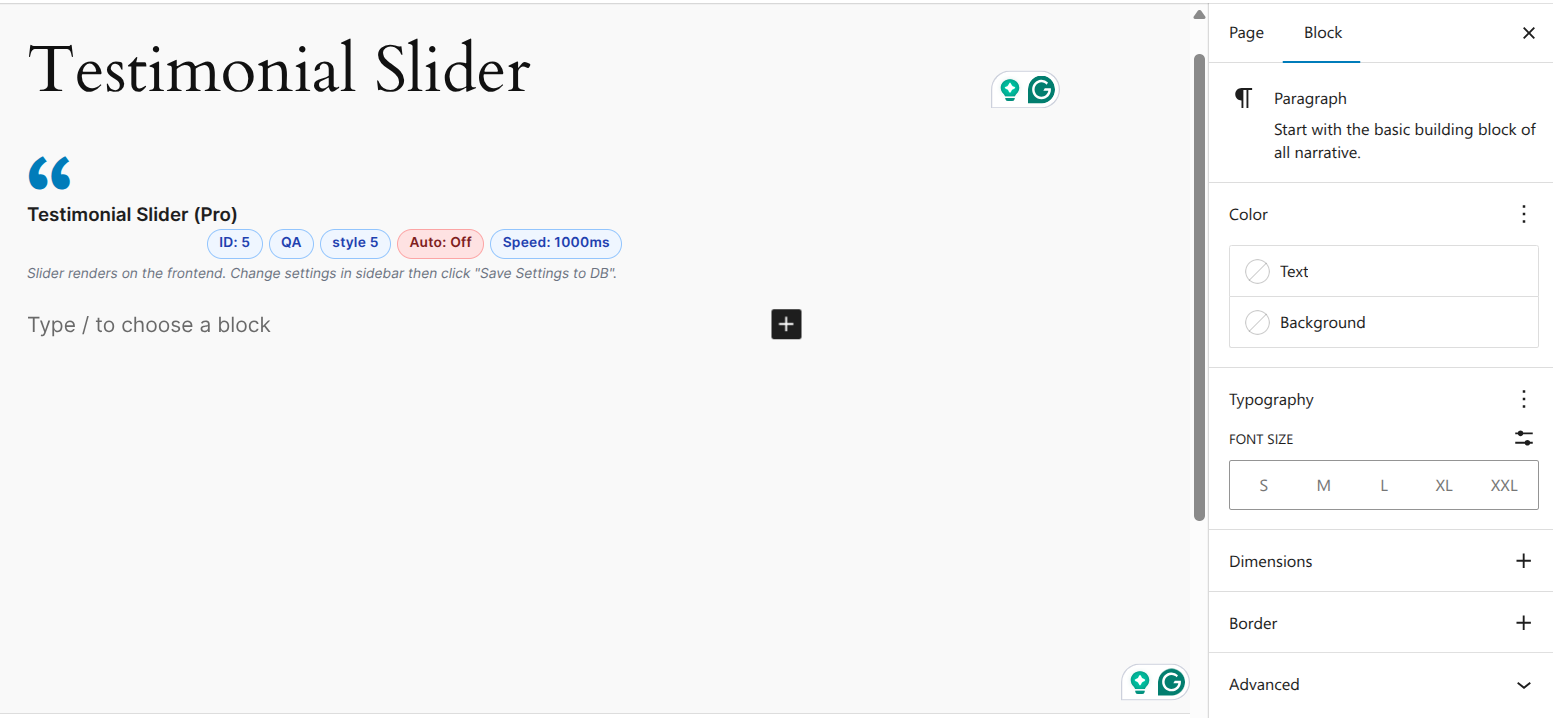
Place testimonials anywhere using the native Gutenberg blocks or a simple shortcode — no page-builder conflict. Compatible with WordPress Multisite.
- Testimonial Slider block — all settings load in the sidebar
- Testimonial Form block — customisable labels for any language
- Testimonial Grid block — set columns, card height and excerpt length
Free vs Pro
| Free | Pro One-time $15 | |
|---|---|---|
| Sliders & display | ||
| Number of sliders | 1 | Unlimited |
| Slider styles | 1 | 5 |
| Testimonial grid layout (1–4 columns) | — | ✓ |
| Fade transition | — | ✓ |
| Random testimonial order | — | ✓ |
| Star ratings & SEO | ||
| Star rating field on submission form | — | ✓ |
| Custom star color & size | — | ✓ |
| Google Schema Markup — star ratings in search results | — | ✓ |
| Customisation | ||
| Custom arrow & quote colors | — | ✓ |
| Custom font sizes & font colors | — | ✓ |
| Author link to website | — | ✓ |
| Show / hide decorative quote marks | — | ✓ |
| Form & moderation | ||
| Visitor testimonial submission form | ✓ | ✓ |
| Captcha spam protection | ✓ | ✓ |
| Admin email notification | ✓ | ✓ |
| Auto-approve new submissions | — | ✓ |
| Bulk approve / reject | — | ✓ |
| Multiple forms (one per slider) | — | ✓ |
| Gutenberg block editor | ||
| Testimonial Slider block | ✓ | ✓ |
| Testimonial Form block | ✓ | ✓ |
| Testimonial Grid block | — | ✓ |
| Data management | ||
| CSV Export (download all testimonials) | — | ✓ |
| CSV Import (bulk upload testimonials) | — | ✓ |
| Support & compatibility | ||
| WordPress Multisite | ✓ | ✓ |
| Works with Elementor, Divi, Beaver Builder | ✓ | ✓ |
| Support | Community | Priority |





Very nice plugin –
Very nice plugin
very Nice plugin keep it up sir
lukeajns –
Brilliant slider and service!
Easy to setup and install and have used this on many sites however having faced issues with upgrading to the PRO version, the author took time out of his day to help resolve the issues I was facing and I could not ask for a better plugin or author. 100% Recommend! Thanks again!
maurotoshiuki –
It delivers what it promises
It worked perfectly, Ive only added two testimonials so far. It could be better if there was also the option to show as a grid or as a list, but for those who just want the slider its perfect.
dhastar –
Testimonials ready in just minute
I am now fan of author.I have used many plugins and as expected testimonial slider also ready within few minute.Testimonial form also have shortcode facility so it is very easy to setup.
Thank you…
Graham –
Great Find. Don’t disappear on me!
I was looking for a testimonial plugin that enabled customers to add their own. While there are a few that do, not at $15 for a one-time fee. I installed the free version, which does give you that function, unlike others. Everything worked fine. So I bought the pro version straightaway, to get the extra customizations. A bit of fiddling with CSS in my child theme got things looking exactly how I wanted it. I see the plugin has been regularly updated, but not many have used it recently or left reviews. These sort of plugins that are tucked away and hard to find are worth their weight in gold. I hope the developer maintains support for a great little plugin